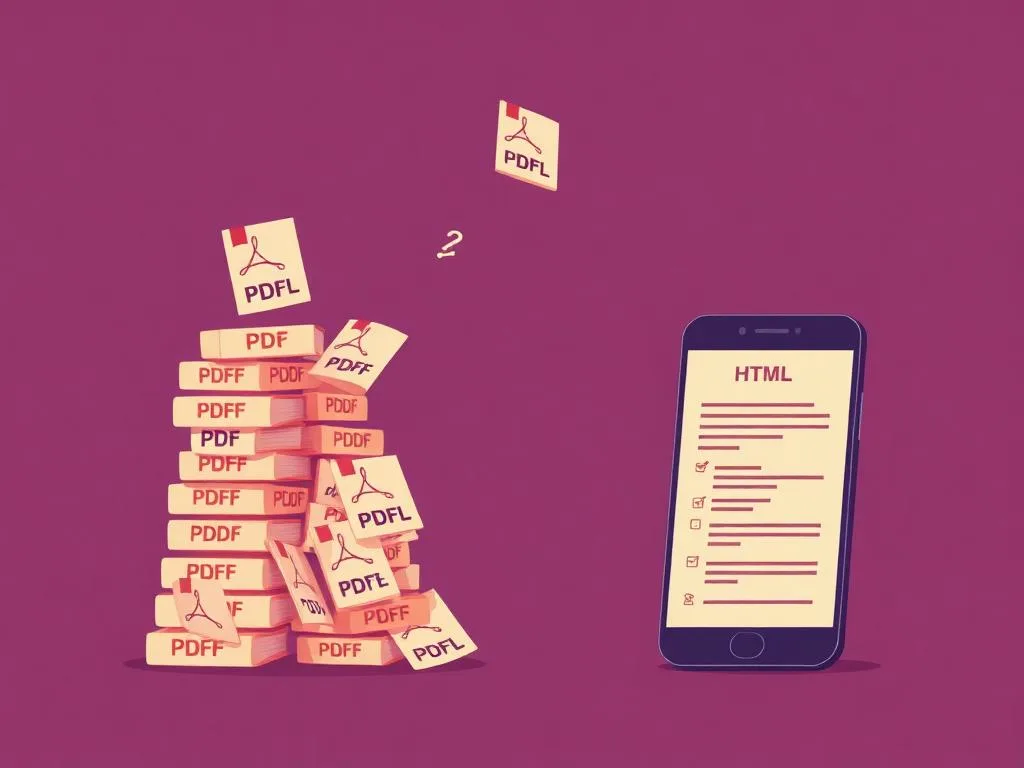
Most organisations do not set out to create a PDF problem. They publish documents in the format they already have. A report is signed off in Word, exported as a PDF, uploaded to the website, and the task is treated as complete. The problem starts later. Updating becomes harder. Accessibility work becomes a separate exercise. Mobile reading suffers. Different copies begin to circulate. Over time, the document becomes harder to manage than the content itself.
That is why government guidance is unusually clear on the subject. GOV.UK says HTML is the most accessible format for publishing documents and should be the first choice whenever possible. Its content design guidance goes further, stating that content should be published in HTML wherever possible, that HTML is the most accessible format on mobile devices and for assistive technology, and that PDFs should not be published on GOV.UK in most circumstances. Section508.gov makes the same practical point from a US federal perspective, stating that PDFs are often not the most accessible or mobile-friendly option, and that agencies should prioritise HTML and use PDFs only when necessary.
The issue is not that every PDF is unusable. Text-based PDFs can still be indexed, and a well-authored PDF can be made accessible. The issue is that PDF-first publishing creates more work, more risk, and more friction than most teams expect. It turns what should be a content-management task into an ongoing file-management problem.
A PDF is easy to publish, but harder to live with
A PDF looks finished. That is part of its appeal. It feels like a product rather than a page. But public information rarely stands still. Guidance changes. Contacts change. Links break. Policies are revised. Dates pass. When the primary published version is a PDF, each update becomes more cumbersome than it needs to be. GOV.UK's own guidance makes the point plainly: it is much easier to maintain one version of a publication in HTML than multiple versions in different formats. The GDS blog adds that PDFs are less likely to be kept up to date, more likely to contain broken links, and more likely to leave users with the wrong information.
This is where the hidden cost begins to show. A PDF-first workflow often means the website is not the living source of truth. It becomes a place where static files are posted. That sounds minor until updates are needed across a large document estate. Then the cost appears in repeated checking, repeated exporting, repeated remediation, and repeated publishing. Each extra file becomes another object to track, replace, and verify.
The problem grows when the same document exists in more than one place. GDS notes that this becomes especially problematic when a document has been published in multiple formats, because changes need to be made everywhere, creating more work and more opportunities for error. That is not a formatting inconvenience. It is a governance problem.
PDF-first publishing makes compliance harder to sustain
Compliance work is often discussed as if it were a one-off exercise. In practice, it is continuous. A document is accessible only for as long as its structure, content, and publication method remain sound. GOV.UK advises document authors to use headings properly, use table headers, use meaningful link text, check colour contrast, and run accessibility checks. Section508.gov offers extensive training and remediation materials for PDFs, including separate testing, remediation, OCR and tagging workflows. That is useful guidance, but it also makes a larger point: PDF accessibility is rarely effortless.
This matters because a PDF-heavy publishing estate creates recurring compliance overhead. Teams are not just writing and publishing content. They are checking whether tags are correct, whether tables remain understandable, whether OCR has worked, whether reading order is intact, whether alt text exists, and whether a newly uploaded file has preserved the document structure users rely on. Section508 training materials make clear that scanned files need OCR before they can be made accessible, and that untagged or poorly tagged PDFs are not accessible.
By contrast, HTML is the format government guidance keeps returning to because it reduces the number of ways things can go wrong. The publishing task stays closer to the content itself. Structure, hierarchy, links, headings and tables can be built directly into the page rather than reconstructed after export. That does not remove the need for care, but it gives organisations a cleaner and more manageable starting point.
Mobile is not a side issue
One of the clearest practical problems with PDFs is that they are poor reading objects on mobile devices. GDS states that PDFs generally do not change size to fit the browser, often require zooming in and out, and force users to scroll both vertically and horizontally. It calls this especially troublesome on small devices like mobile phones. GOV.UK's content guidance explains why HTML is better: text reflows as the user zooms, elements are better tagged for screen readers, and users can change colours to suit their needs. Section508.gov also warns that PDFs are often not the most mobile-friendly option.
This point matters more than many teams admit. A document that is awkward on a phone is not less elegant. It is less usable. If the information is public-facing, time-sensitive, or frequently referenced, forcing the reader into a cramped, zoom-heavy, fixed-layout experience is a design failure. Public information should adapt to the user's device, not ask the user to work around the format.
PDFs are harder to navigate, harder to track, and harder to reuse
When users open a PDF, they often leave the context of the website. GDS notes that a PDF may open in a new tab, a new window, a separate app, or download directly to the device. Whatever happens, the user is taken away from the normal navigation of the site. That matters even more when someone lands on the PDF directly from search, because they lose the surrounding context and cannot easily browse related content.
The tracking problem is just as important. GDS says it can gather download data for PDFs, but not the same level of interaction data. It cannot measure how long a file has been viewed offline or what links users followed inside it in the way a normal web page can support. That weakens the organisation's ability to improve content based on real use. HTML gives a more direct route to measurement, iteration, and refinement.
Reuse is another overlooked cost. GDS states that content from PDFs can be difficult to reuse by copy and paste, especially where layout, multiple columns, weak structure or incompatible fonts are involved. It also notes that emerging tools built around web content will not work with PDFs in the same way. This is a practical warning. Once content is locked into static files, every later use becomes harder, whether the need is translation, excerpting, republishing, updating or linking.
Repetition creates cost, and stale copies create risk
A PDF is easy to download, save, circulate and share. That sounds like a strength. In practice, it can become a liability. GDS notes that users are more likely to download a PDF and continue referring to it offline. They may not expect it to change, and may not return to the website for the latest version. HTML, by contrast, encourages the user back to the live source.
This is where repeated-document problems begin. One file becomes many. A copy sits on the website. Another is stored on a shared drive. Another is attached to an email. Another is downloaded to a laptop. Another is uploaded somewhere else by a different team. The more a document is treated as a file rather than a maintained page, the harder it becomes to know which version is current. GDS points directly to outdated copies, broken links, and multiple versions as ongoing problems with PDF publishing.
In real organisations, this gets worse when the editable source is no longer readily available. Then even minor corrections can become disproportionately expensive, because teams are not working from live, structured content. They are trying to repair or replace static outputs. The result is slower updates, weaker control, and a growing backlog of documents that nobody really wants to touch. This is one reason PDF-heavy estates often remain unmanaged for too long. The underlying publishing model works against easy maintenance.
The case for HTML is practical, not ideological
The strongest argument for HTML is not rhetorical. It is operational. HTML is easier to maintain as a live publication. It is easier to make responsive. It keeps users in the context of the website. It supports stronger accessibility outcomes. It makes updates easier. It reduces the burden of managing multiple static files. It gives clearer control over navigation, structure and reuse. That is exactly why GOV.UK says HTML should be the first choice, and why Section508 guidance says agencies should prioritise HTML and use PDFs only when necessary.
None of this means PDF has no place. GDS itself allows for cases where a static record may be needed, and GOV.UK's broader standards guidance still recognises document formats where necessary. But that is very different from treating PDF as the default way to publish public information. A secondary download is one thing. A PDF-first publishing model is another.
The basic policy position is now difficult to dispute. If content is intended to be read online, maintained over time, accessed on mobile devices, used by people with different access needs, and kept accurate as the public-facing version, HTML should usually be the primary format. PDF should be the exception, not the norm. That is not a design preference. It is the more efficient way to publish and manage public information.